Adding a Custom Plugin
Prerequisite: Adding a Custom Behavior Tree
Note
This tutorial is more advanced. It is recommended to complete Adding a Custom Behavior Tree and frequently refer to the API Reference.
Recommended Structure
Decentralized decision-making algorithms typically operate based on local information, such as nearby tasks and agents. This information is gathered by the LocalSensingNode and stored in the blackboard.
The LocalSensingNode class is structured as follows:
class LocalSensingNode(SyncAction):
    def __init__(self, name, agent):
        super().__init__(name, self._local_sensing)

    def _local_sensing(self, agent, blackboard):
        blackboard['local_tasks_info'] = agent.get_tasks_nearby(with_completed_task=False)
        blackboard['local_agents_info'] = agent.local_message_receive()
        return Status.SUCCESS
Therefore, the decision-making plugin should start by retrieving the local information from the blackboard (assuming the use of default_bt.xml).
Below is a basic skeleton for a decision-making plugin:
class MyDecisionMakingClass:
    def __init__(self, agent):
        self.agent = agent
        self.assigned_task = None
        self.satisfied = False  # Rename if necessary
        # Define any additional variables if needed

    def decide(self, blackboard):
        '''
        Output:
            - `task_id` if task allocation is successful
            - `None` otherwise
        '''
        # Retrieve local information from the blackboard
        local_tasks_info = blackboard['local_tasks_info']
        local_agents_info = blackboard['local_agents_info']

        # Check if the previously assigned task is completed
        if self.assigned_task is not None and self.assigned_task.completed:
            # Implement your logic here
            pass

        # Exit if there are no tasks nearby
        if len(local_tasks_info) == 0:
            return None

        # Perform local decision-making
        if not self.satisfied:
            # Implement your decision-making logic here

            # Broadcasting
            self.agent.message_to_share = {
                # Implement your data sharing logic here
            }
            self.satisfied = True
            return None

        # Conflict resolution
        if self.satisfied:
            # Implement your conflict resolution logic here
            pass
            return self.assigned_task.task_id if self.assigned_task is not None else None
The DecisionMakingNode class wraps this decision-making plugin as a BT action node. As shown below, the node retrieves the assigned_task_id from the plugin and stores it in the blackboard, which the TaskExecutionNode then uses. The node returns SUCCESS if a task is assigned, otherwise FAILURE.
class DecisionMakingNode(SyncAction):
    def __init__(self, name, agent):
        super().__init__(name, self._decide)
        self.decision_maker = MyDecisionMakingClass(agent)

    def _decide(self, agent, blackboard):
        assigned_task_id = self.decision_maker.decide(blackboard)
        agent.set_assigned_task_id(assigned_task_id)
        blackboard['assigned_task_id'] = assigned_task_id
        if assigned_task_id is None:
            return Status.FAILURE
        else:
            return Status.SUCCESS
When creating a plugin, ensure that it returns either an assigned task ID or None.
Example: CBAA
Let’s implement the CBAA (Consensus-Based Auction Algorithm) based on the pseudocode from the paper, H. Choi, L. Brunet, J.P. How, “Consensus-Based Decentralized Auctions for Robust Task Allocation”, IEEE Transactions on Robotics, 25(4), 2009, pp. 912-926. CBAA is a simplified version of CBBA (Consensus-Based Bundle Algorithm), where a single robot is assigned to a single task.
CBAA is divided into two phases: Phase 1 (Task Selection) and Phase 2 (Conflict Resolution).

Figure 1: CBAA Phase 1 (Task Selection)

Figure 2: CBAA Phase 2 (Conflict Resolution)
Using the basic skeleton of the decision-making plugin shown earlier, we will now implement the CBAA algorithm.
Initialization
First, rename the class to CBAA and declare the variables necessary for decision-making, initializing them accordingly.
class CBAA:
    def __init__(self, agent):
        self.agent = agent
        self.assigned_task = None
        self.satisfied = False  # Rename if necessary

        # Define any variables if necessary
        self.x = {}  # Task assignment (key: task ID; value: 0 or 1)
        self.y = {}  # Winning bid list (key: task ID; value: bid amount)
In line with Algorithm 1, we have declared and initialized x and y.
Phase 1 (Task Selection)
Next, we need to implement the task selection process. In the pseudocode above in Algorithm 1, c_{ij} represents the value that agent i assigns to task j. We first need to define a subfunction to calculate this value:
def calculate_score(self, task):
    distance_to_task = self.agent.position.distance_to(task.position)
    # Time-discounted reward
    LAMBDA = 0.999
    expected_reward = LAMBDA**(distance_to_task/self.agent.max_speed + task.amount/self.agent.work_rate) * task.amount
    return expected_reward
This function calculates the reward by discounting the reward based on the time it takes for the agent to reach the task at maximum speed and to finish the task with its work rate.
Now, let’s implement Algorithm 1. We start by implementing Line 5:
if not self.satisfied:
# Line 5
    selectable_tasks = {}
    task_rewards = {}
    for task in local_tasks_info:
        task_reward = self.calculate_score(task)
        if task.task_id not in self.y or task_reward > self.y[task.task_id]:
            selectable_tasks[task.task_id] = task
            task_rewards[task.task_id] = task_reward
Lines 6-10 are implemented as follows:
# Lines 6-10
    if selectable_tasks:
        best_task_id = max(task_rewards, key=task_rewards.get)  # Line 7
        self.x[best_task_id] = 1  # Line 8
        self.y[best_task_id] = task_rewards[best_task_id]  # Line 9

        self.assigned_task = selectable_tasks[best_task_id]
Once Algorithm 1 is complete, share the y information with neighboring agents. This can be done by defining message_to_share as follows:
# Broadcasting
    if selectable_tasks:
        .....
        self.agent.message_to_share = {
            'agent_id': self.agent.agent_id,
            'winning_bids': self.y
        }
        self.satisfied = True
Note
The agent does not need to share any information if selectable_tasks is empty.
Phase 2 (Conflict Resolution)
Now, let’s implement Algorithm 2. This algorithm runs after receiving information from neighboring agents. In the next game loop, since self.satisfied = True, the following section will execute:
# Conflict-mitigating
if self.satisfied:
    best_task_id = self.assigned_task.task_id

# Lines 4-5
    winner_agent_candidates = {self.agent.agent_id: self.y[best_task_id]}  # Initialize with own data
    for other_agent_message in self.agent.messages_received:
        if other_agent_message:
            y_k = other_agent_message.get('winning_bids')
            self.y = merge_dicts(self.y, y_k)  # Line 4: Update winning bids
            if y_k.get(best_task_id):
                k_agent_id = other_agent_message.get('agent_id')
                winner_agent_candidates[k_agent_id] = y_k[best_task_id]

    winner_agent_id = max(winner_agent_candidates, key=winner_agent_candidates.get)

# Lines 6-8
    if winner_agent_id != self.agent.agent_id:
        self.x[best_task_id] = 0
        self.satisfied = False
        self.assigned_task = None
The main task of Algorithm 2 is to verify that the agent is the highest bidder for the task it selected. If another agent has a higher bid, the agent gives up the task.
Warning
Note that it is very important to reset messages_received after processing to avoid performance degradation:
if self.satisfied:
    ....
# Reset Messages
    self.agent.reset_messages_received()
Post-Process Upon Task Completion
Once the assigned task is completed, post-processing is required. In CBBA, if a task bundle is assigned, the next task in the bundle should be allocated. However, in CBAA, since only a single task is assigned, we mainly need to reset the following values to prepare for a new auction:
# Post-process if the previously assigned task is done
if self.assigned_task is not None and self.assigned_task.completed:
    # Implement your logic here
    self.assigned_task = None
    self.satisfied = False
    self.x = {}
    self.y = {}
Run this Example
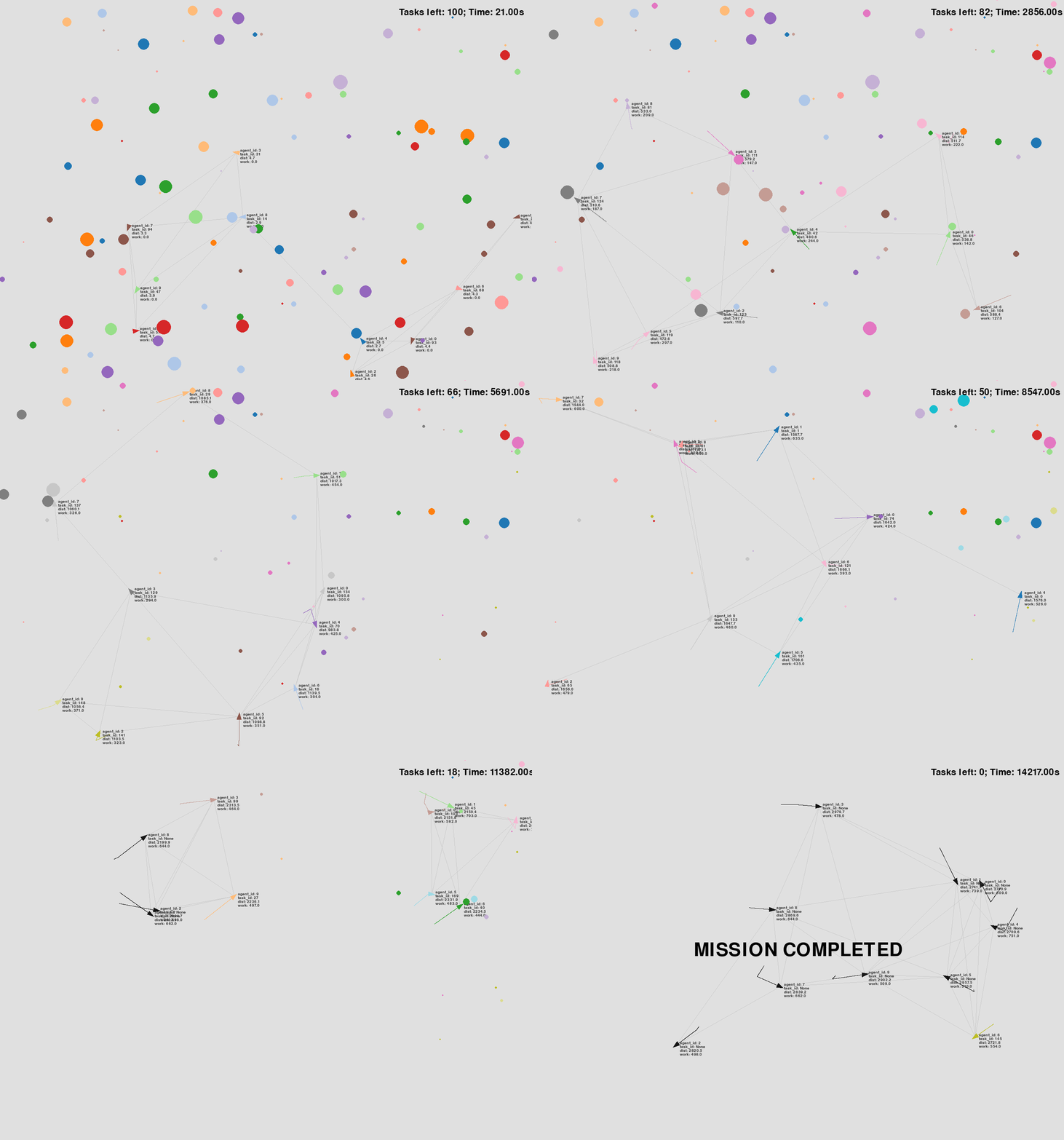
Now, let’s run the new decision-making plugin. According to the instructions in Setting config.yaml, you’ll need to modify the configuration file to use this plugin. We’ll use the same configuration as in CBBA, but with the decision-making plugin replaced by the one we just created.
decision_making:
    plugin: plugins.cbaa.cbaa.CBAA
You can download the configuration file here: config.xml.