Changing Agent Local-Sensing Capabilities
Prerequisite: Generating Dynamic Tasks
Communication Range
Based on the configuration file in Generating Dynamic Tasks section, let us observe the impact of agents’ communication range. To this end, we reduce agents.communication_radius from 500 to 150 as follows:
agents:
  behavior_tree_xml: default_bt.xml
  ...
  communication_radius: 150
  situation_awareness_radius: 500
  ...
Save the configuration as config_grape_c150.yaml, and then execute the following command to run a simulation:
python main.py --config=config_grape_c150.yaml
Next, let us compare the results and the GIF generated in this section with those from the previous configuration.
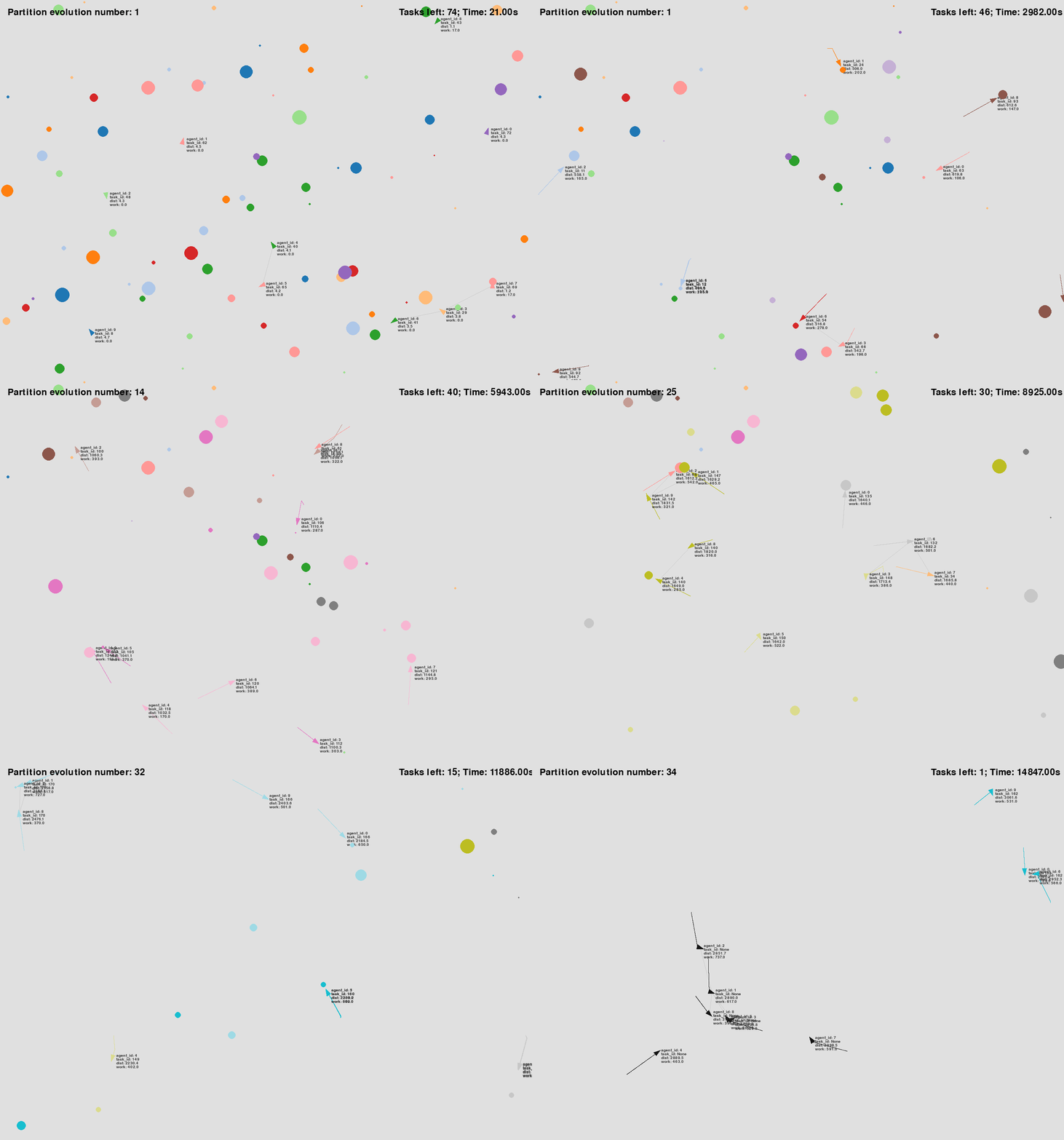
Figure 1: Agents with communication range 150 |
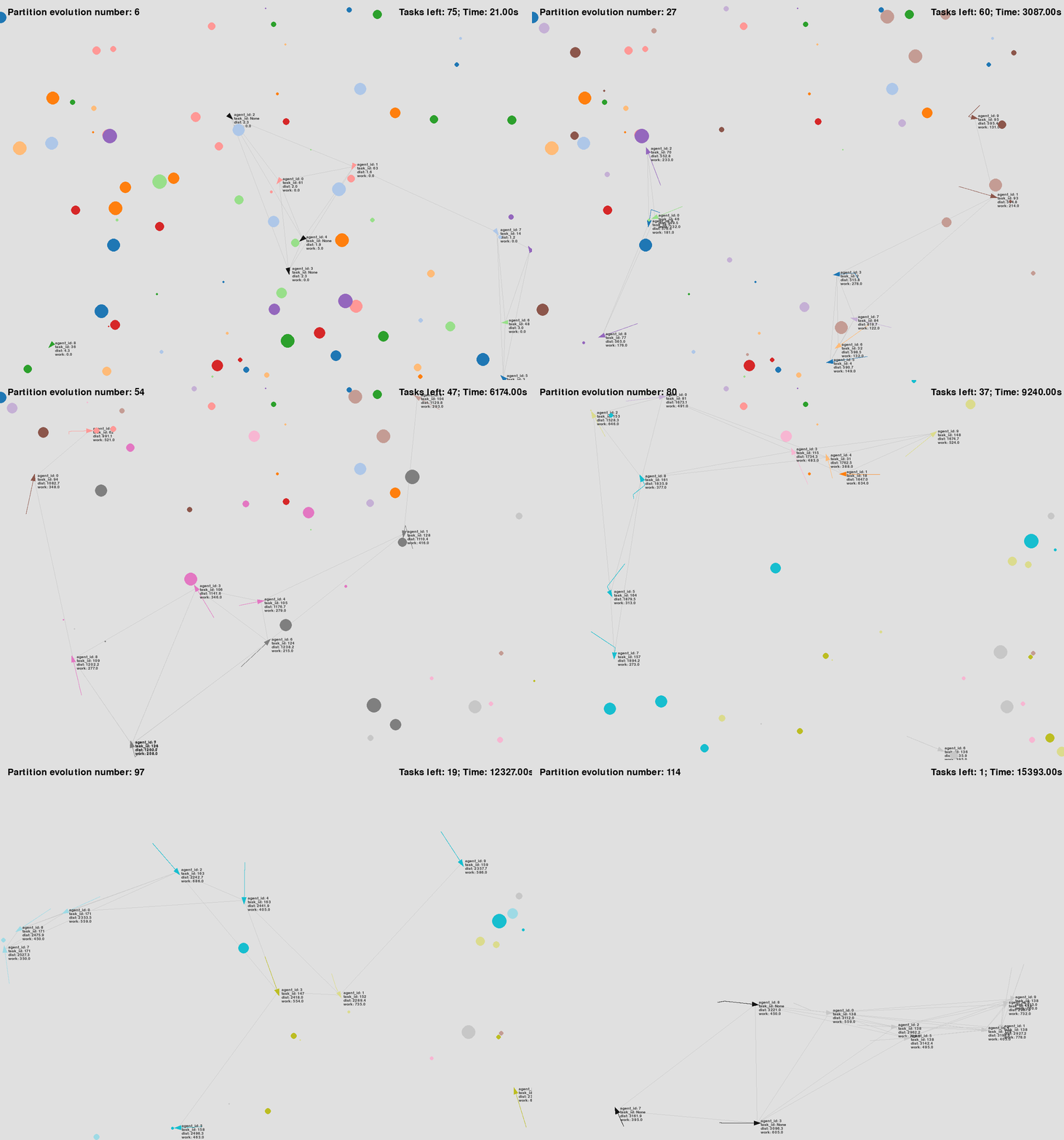
Figure 2: Agents with communication range 500 |
As shown in the GIFs, in the simulation run with config_grape_c150.yaml, agents must get closer to establish a communication topology.
While the situational awareness range remains at 500, allowing agents to detect tasks from a distance, they might unknowingly select the same task due to the reduced communication range.
As agents move closer to the task, they eventually come within the shorter communication range and become aware of the conflict.
At that point, the conflict resolution mechanism is triggered.
If the communication range were larger, this mechanism would have activated sooner, preventing the conflict earlier.
Note that, due to the nature of the GRAPE algorithm, if only one task is detected within the situational awareness range, agents will cooperate to complete that task.
Situational Awareness Range
Based on the configuration file used above (i.e., config_grape_c150.yaml), let us now observe the impact of agents’ situational awareness range.
For this, we also reduce agents.situation_awareness_radius from 500 to 150 as follows:
agents:
  behavior_tree_xml: default_bt.xml
  ...
  communication_radius: 150
  situation_awareness_radius: 150
  ...
To visualize the impact of the reduced situational awareness range, enable the rendering option agent_situation_awareness_circle (see Simulation Modes for more details).
simulation:
  max_simulation_time: 15000 # 0 means no limit
  ...
  rendering_mode: Screen
  rendering_options:
    agent_situation_awareness_circle: True
    ...
Since the situational awareness range has been reduced, agents might not discover tasks easily, potentially causing the simulation to run for an extended period without completing the mission.
To address this, set max_simulation_time to around 15000, ensuring that the simulation terminates if it reaches this duration.
Save the configuration as config_grape_c150_s150.yaml, and then execute the following command to run a simulation:
python main.py --config=config_grape_c150_s150.yaml
Note
Let’s also run a simulation using the configuration file config_grape_c150.yaml with the agent_situation_awareness_circle option enabled. Rename the configuration file to config_grape_c150_s500.yaml for clarity.
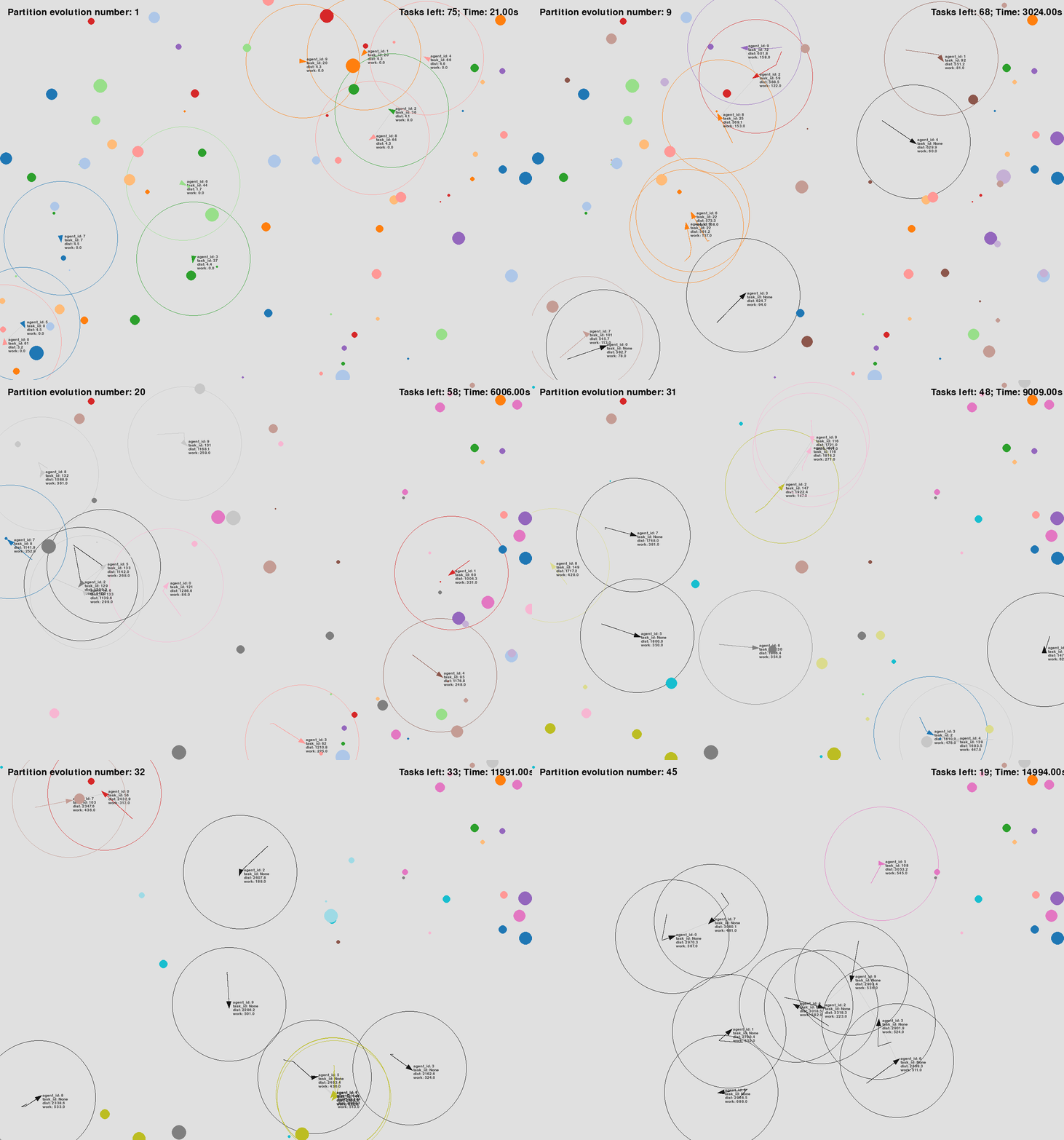
Figure 1: Agents with communication range 150 and SA range 150 |
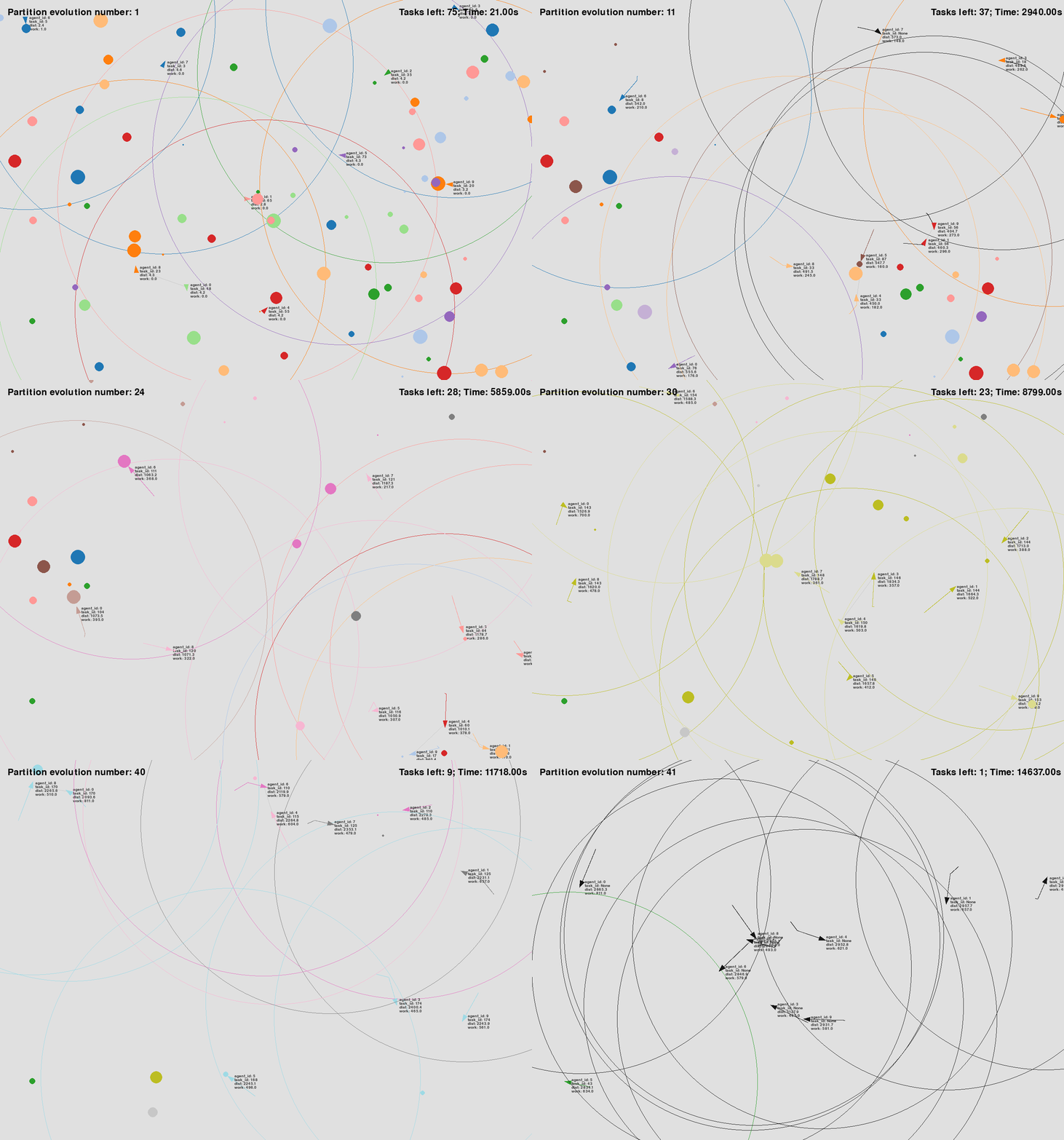
Figure 2: Agents with communication range 150 and SA range 500 |