Changing the Decision-Making Plugin
Prerequisite: Basic Usage
Given a different Decision-Making Plugin that you want to test, you can easily switch it by updating the decision_making section in the configuration file. This allows you to change the decision-making functionality while keeping the rest of the scenario environment the same.
For example, based on the configuration file in Basic Usage section, let us update the decision_making as follows:
decision_making:
  plugin: plugins.grape.grape.GRAPE
  GRAPE:
    cost_weight_factor: 1.0
    social_inhibition_factor: 100
    initialize_partition: Distance
    reinitialize_partition_on_completion: Distance
Save this configuration file as config_grape.yaml, and then execute the following command to run a simulation:
python main.py --config=config_grape.yaml
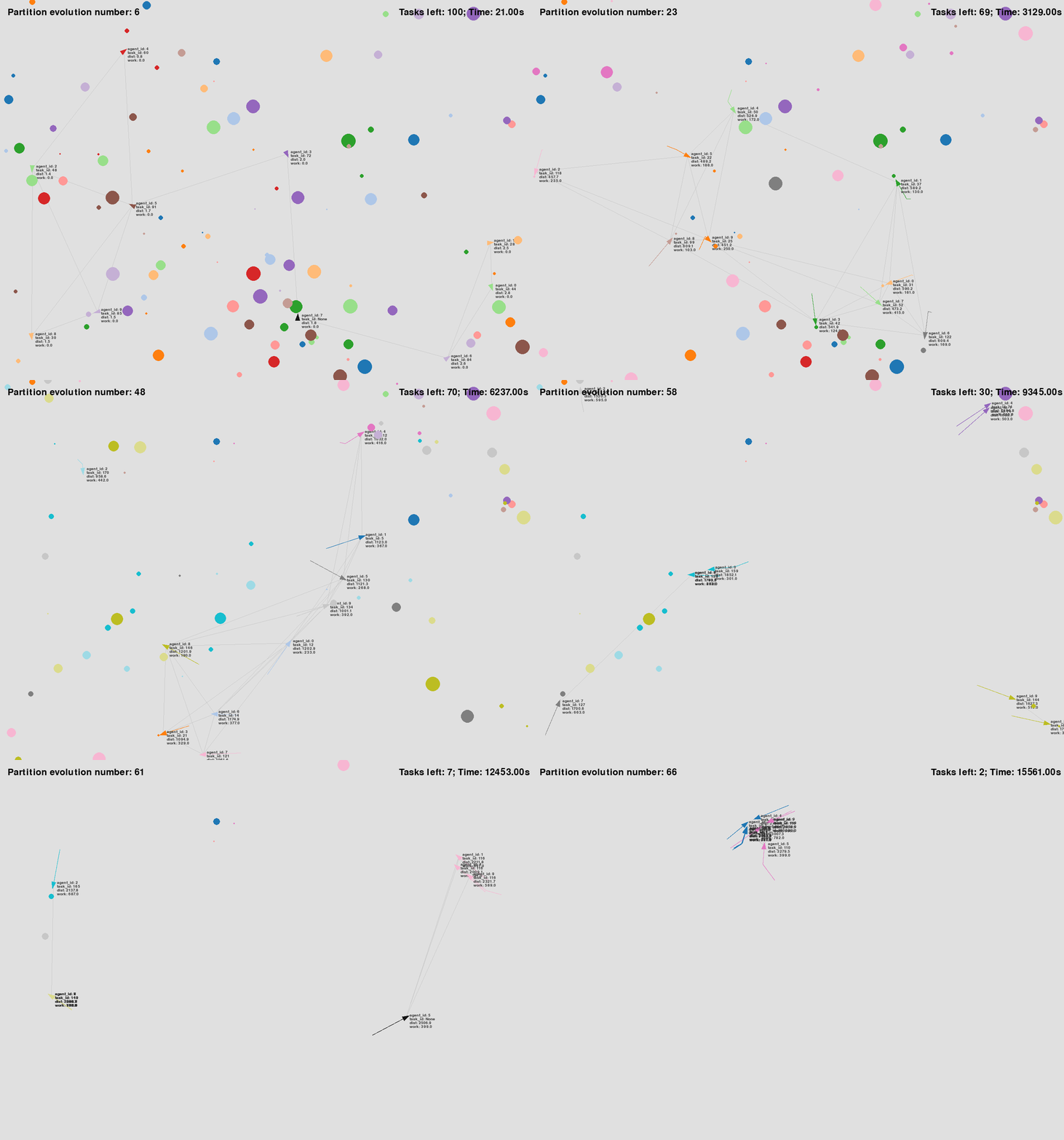
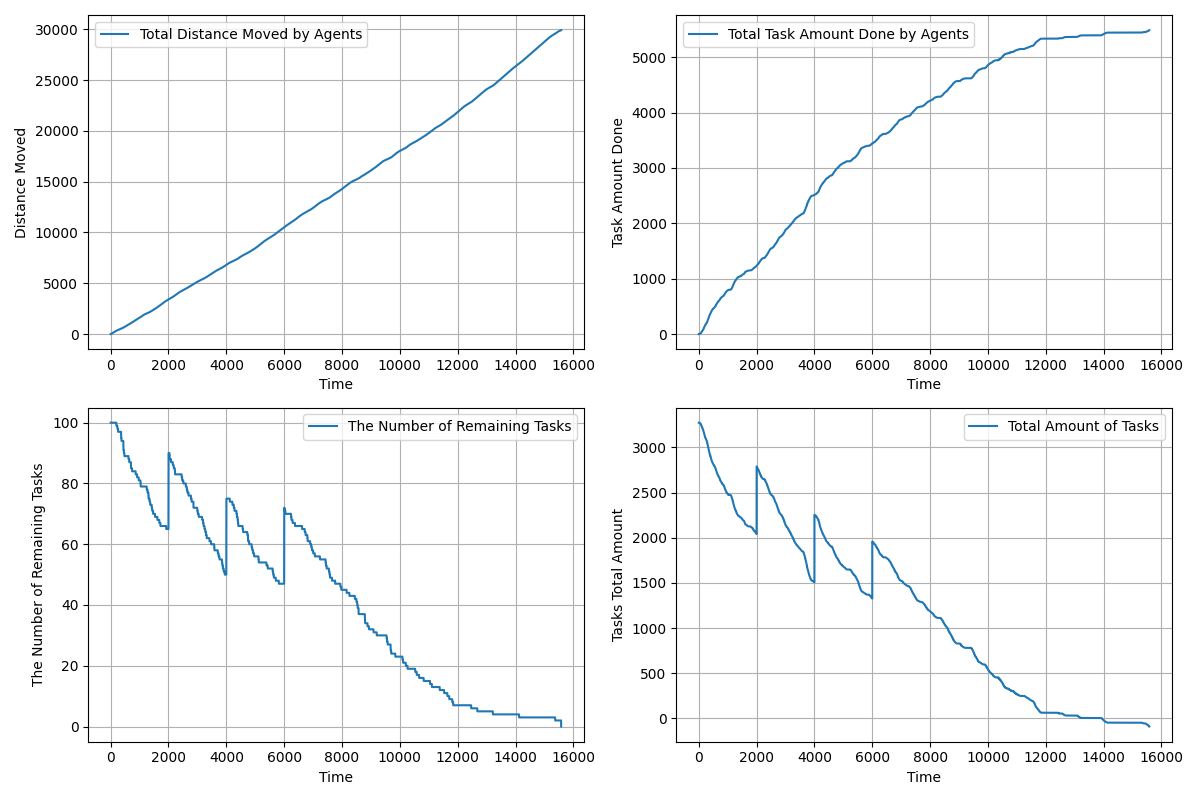
Then, you will see a simulation similar to the following.
|
|
See the configuration file used for the above simulation: config_grape.yaml.